
✨ 1 Week - JS Study
안녕하세요. 소시지입니다.
본 포스팅은 <2025.01.17 ~ 2025.01.31> 기간의 JS 스터디 1주차 학습 내용을 기록했습니다.</span>
🗓️ 1주차 진행 (2025.01.17)
1 week
Your First JS Project
콘솔에서 자바스크립트 다루는 법
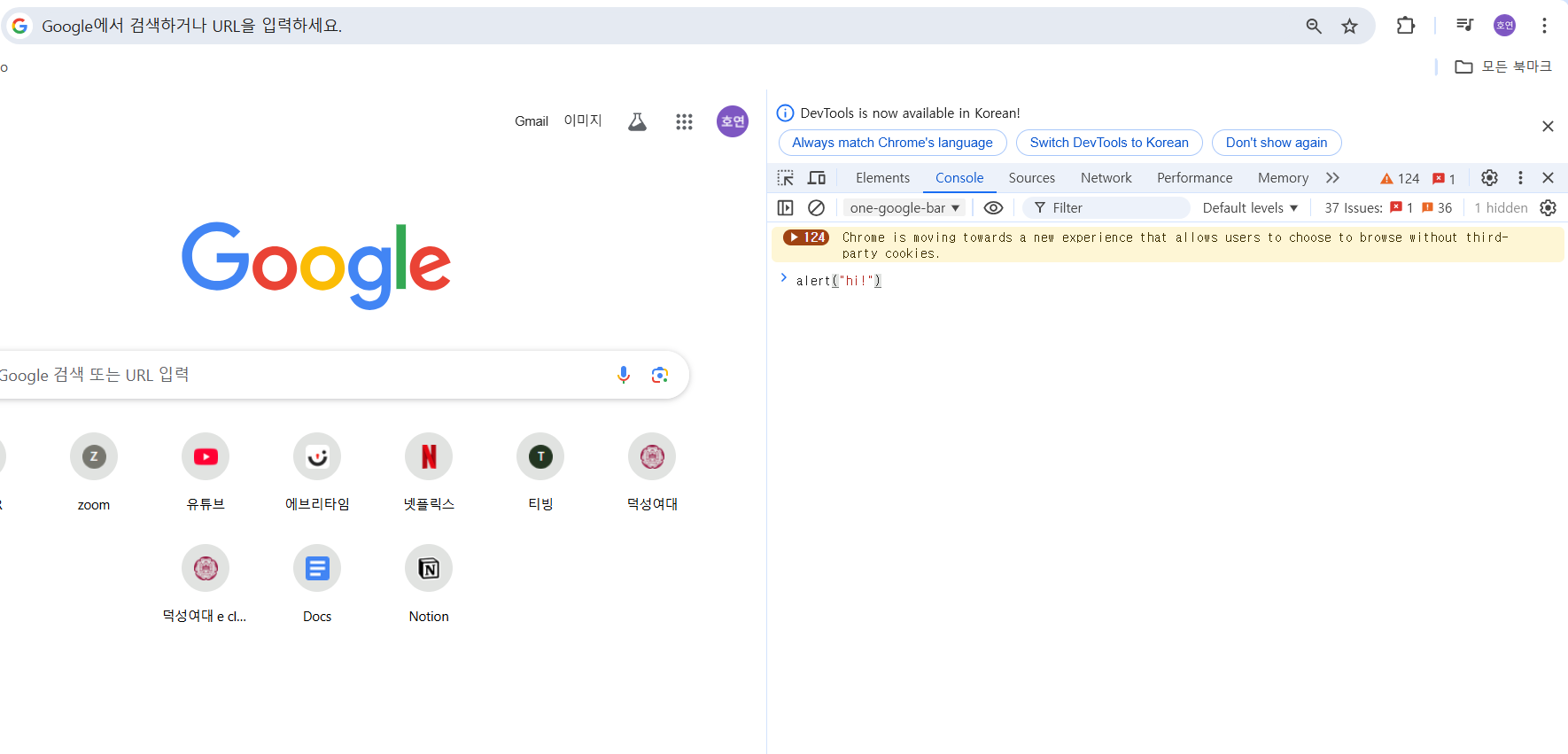
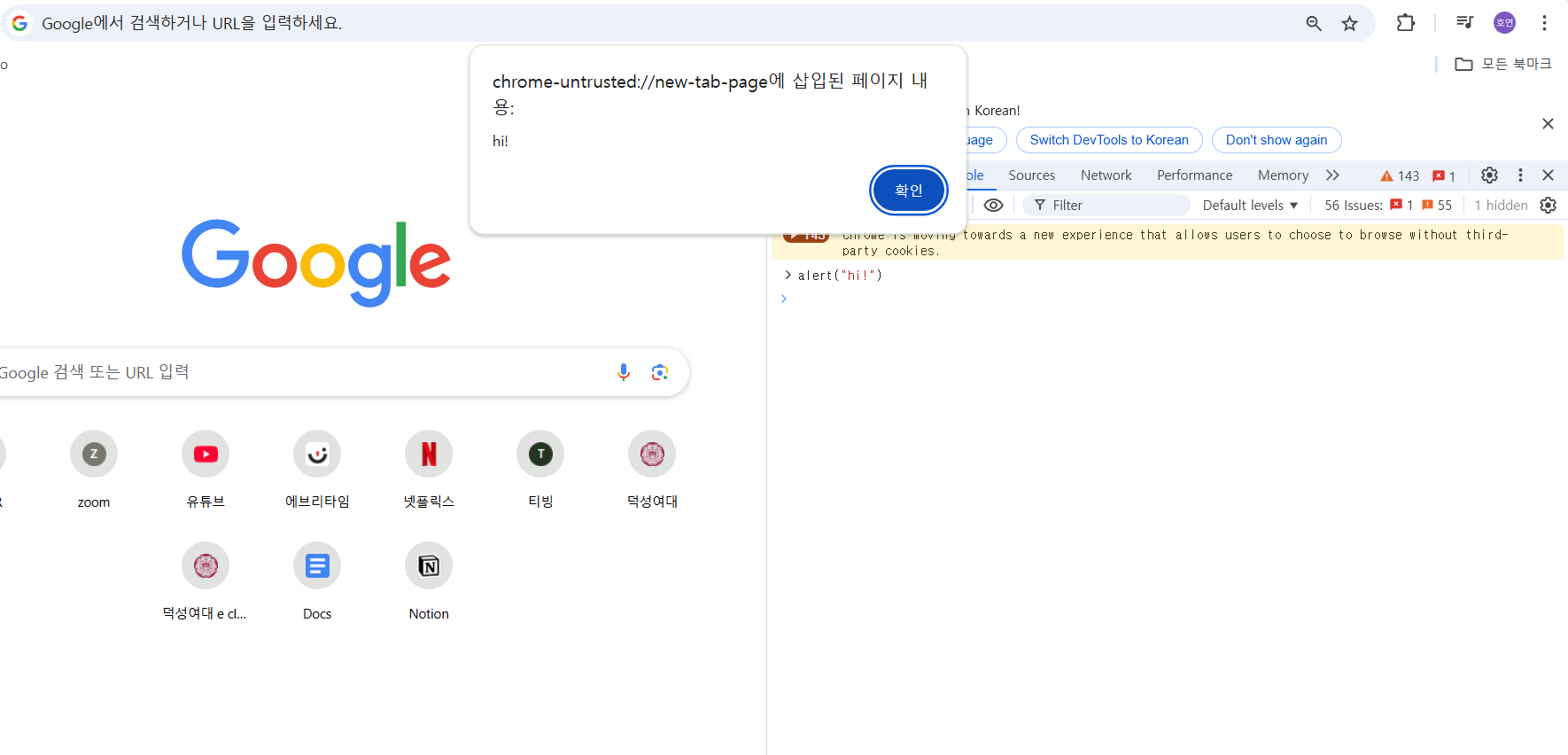
콘솔은 자바스크립트와 상호작용하기에 좋지만, 긴 문장의 자바스크립트 프로그램을 작성해야 할 경우에는 유용하지 않다. 이때는 자바스크립트 파일을 생성해야 한다.
예를 들어 Document에 momentum 폴더를 만들어보자!
- 우선 브라우저 콘솔에 입력했던 내용을 그대로 app.js 파일에 입력한다.
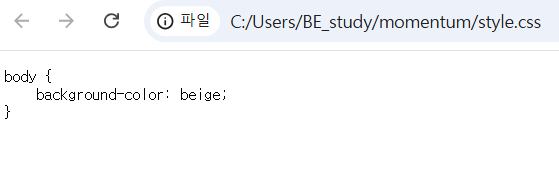
- style.css 내용으로는 다음과 같이 입력한다.
실행 결과:
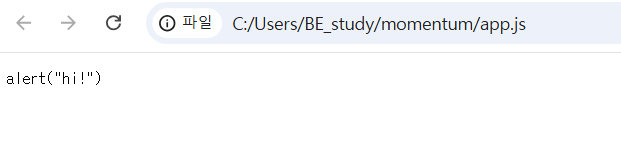
브라우저에서 app.js 파일을 열어보면 알림창으로 hi 내용이 뜨는 것이 아니라,
사진과 같이 명령어까지 전부 보여지는 텍스트 형태로 내용이 출력되는 것을 확인할 수 있다.
마찬가지로 css 파일을 열어보면 배경색이 적용된 것이 아닌, 텍스트 내용이 그대로 출력되었다.
이 문제를 해결하기 위해서는 HTML 파일을 브라우저에서 오픈해야 한다.
- index.html 내용으로는 다음과 같이 입력한다.
<!DOCTYPE html>
<html lang = en>
<head>
    <meta charset="UTF-8">
    <meta http-equiv="X-UA-Compatible" content="IE=dege">
    <meta name="viewport" content="width=device-width, initial-scale=1.0">
    <link rel="stylesheet" href="style.css">
    <title>Momentum</title>

</head>
<body>
    <script src="app.js"></script>
</body>
</html>
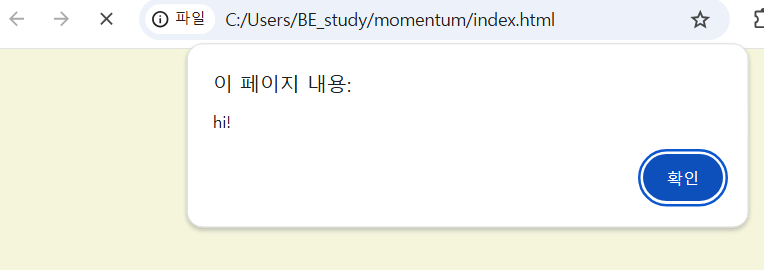
브라우저는 HTML을 열고, HTML은 CSS와 자바스크립트를 가져오도록 했다.
실행결과:
Basic Data Types
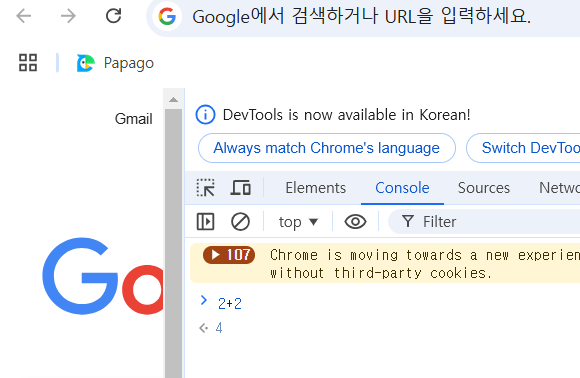
- 콘솔에서 간단한 계산이 가능한 이유
자바스크립트가 입력한 내용이 숫자라는 것을 알기 때문이다. (데이터 타입, 즉 숫자(정수/소수)를 알아서 구분 가능하다.)
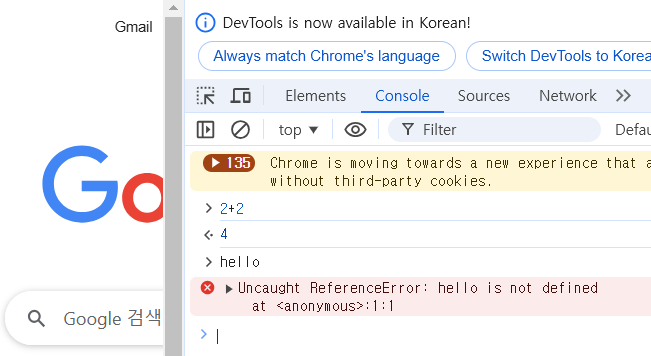
hello 단어는 정의되어 있지 않다. 자바스크립트에 아직 정의된 것이 존재하지 않기 때문에, 자바스크립트에게 hello가 무엇인지 알려주는 기능이 없다. 따라서 “hello”라고 입력해야 한다. “hello”는 문자(text)이기 때문에 자바스크립트가 내용을 받아들인다.
Const and let
- const: 상수, 값이 변경될 수 없다.
- let: variable 값을 업데이트 할 수 있다.
Arrays
const mon = "mon";
const tue = "tue";
const wed = "wed";
const thu = "thu";
const fri = "fri";
const sat = "sat";
const sun = "sun";

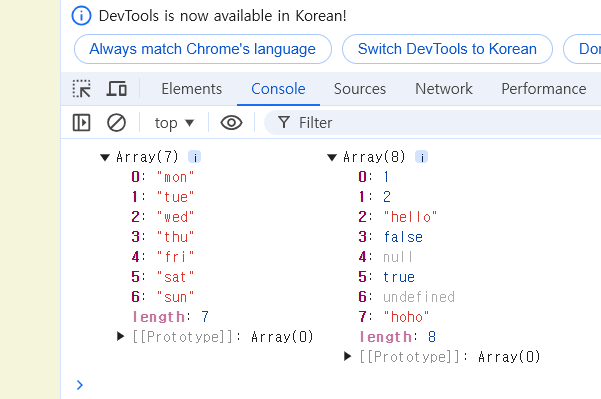
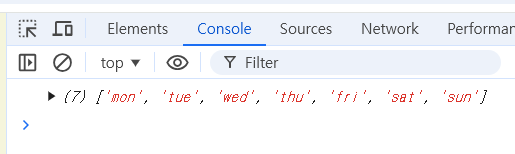
const daysOfWeek = [mon, tue, wed, thu, fri, sat, sun];

const nonsense = [1, 2, "hello", false, null, true, undefined, "hoho"]

console.log(daysOfWeek, nonsense)
const mon = "mon";
const tue = "tue";
const wed = "wed";
const thu = "thu";
const fri = "fri";
const sat = "sat";
const sun = "sun";

const daysOfWeek = [mon, tue, wed, thu, fri, sat];

**daysOfWeek.push("sun");**

console.log(daysOfWeek)
push() 사용
Objects
const playName = "hoho";
const playerPoints = 121212;
const playerHandsome = true;
const playerFat = "little bit";
fat, handsome, name이라는 특성들이 한 개의 개체(entity), 즉 player에 대해서 설명하고 있다.
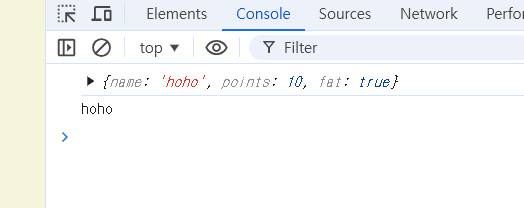
const player = {
    name: "hoho",
    points: 10,
    fat: true,
}

console.log(player);
console.log(player.name);
Functions
function: 반복해서 사용할 수 있는 코드 조각으로 즉, 어떤 코드를 캡슐화해서 실행을 여러 번 할 수 있게 해준다.
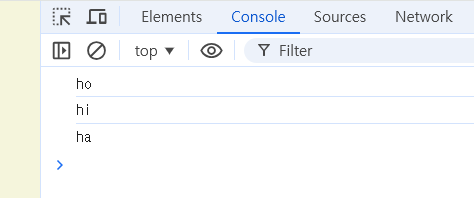
function sayHello(nameOfPerson) {
    console.log(nameOfPerson);
}

sayHello("ho");
sayHello("hi");
sayHello("ha");
-
첫 번째 argument로 어떤 데이터가 들어오면 nameOfPerson이라는 variable 이름을 쓰게 되는 것이다.
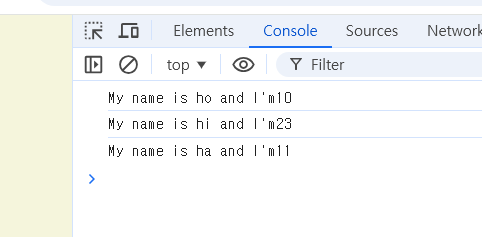
function sayHello(nameOfPerson, age) {
    console.log("My name is" + nameOfPerson + "and I'm" + age);
}

sayHello("ho", 10);
sayHello("hi", 23);
sayHello("ha", 11);
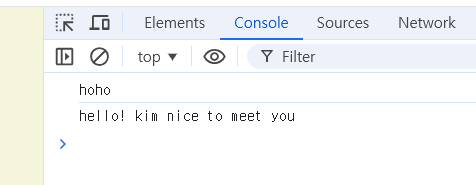
Object 안의 function 기능
const player = {
    name: "hoho",
    sayHello: function(otherPersonsName){
        console.log("hello! " + otherPersonsName + " nice to meet you");
    },
};

console.log(player.name);
player.sayHello("kim");
돌아가기: 2024 하반기 Python Coding Study